

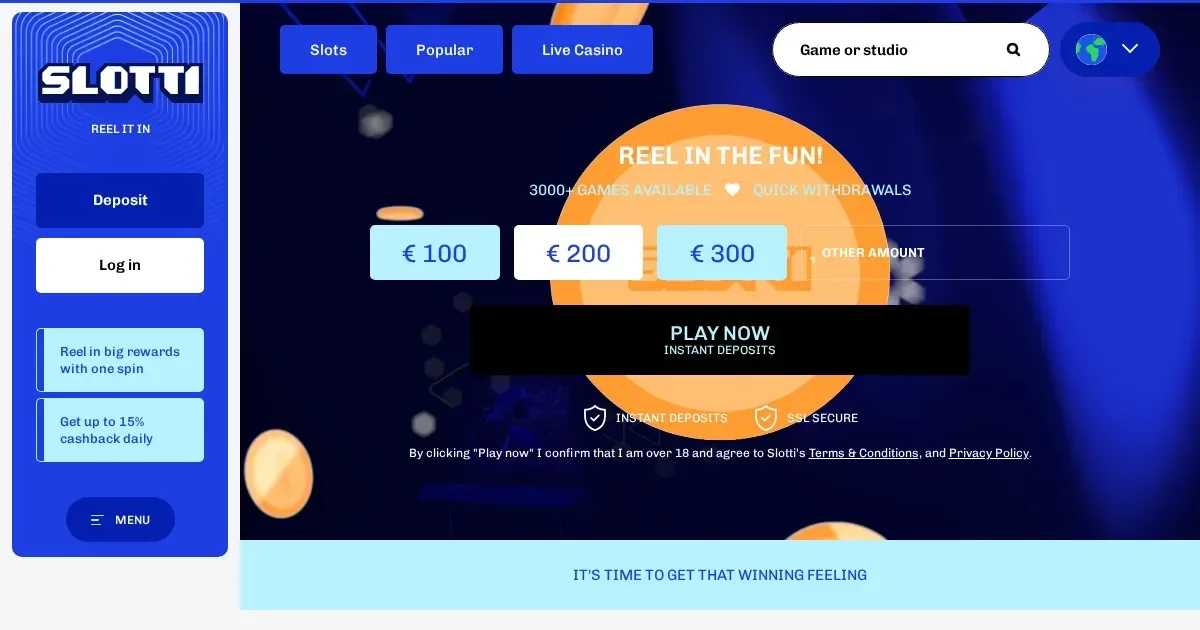
Your Slotti account lives entirely at the operator. This portal carries information about it, but we cannot access, restore, unblock or modify any account — for anything involving your credentials or account status, the operator's own support team is the only route.
Signing in at Slotti
Signing in takes a few seconds if you have your registration e-mail and password to hand. Follow these steps:
- Open the operator's site in your browser by typing or using a saved bookmark — never follow a link in an unsolicited e-mail or message.
- Locate the sign-in button on the page and select it.
- Enter the e-mail address you used when registering and your password.
- Confirm to complete sign-in and reach your account.
If you do not yet have an account, registration is handled directly at the operator's site.
Signing in on a phone or tablet
Slotti's site runs in a mobile browser without requiring a separate download. Open the address in Chrome, Safari or your preferred browser, and use the same e-mail and password as on desktop — your account, balances and history are the same regardless of device. There is no separate mobile login.
What to do when sign-in does not work
Most sign-in failures trace back to one of a small number of causes. Work through these before contacting support:
- Wrong e-mail or password — check that caps lock is off and that you are using the e-mail address you registered with, not a later one.
- Unverified account — if you did not complete e-mail verification after registering, the account may be inactive. Check your inbox for a verification message from the operator.
- Browser session issue — clear your browser's cache and cookies, then try again. Switching to a different browser or private/incognito window can isolate the problem.
- Regional restriction — accounts registered in a restricted country cannot sign in. If your location has changed, contact the operator's support team.
- Self-exclusion in force — see the section below on account restrictions.
The recovery path for a forgotten password
Use the password reset option on the operator's sign-in page. The operator will send a reset link to the e-mail address on the account; follow that link to set a new password.
If you no longer have access to the e-mail address you registered with, contact the operator's support team directly. Have as much account information ready as possible — your full name, date of birth and any transaction reference — so the team can verify your identity before making any change.
Account restrictions and what causes them
A blocked or restricted account is not always a technical fault. Several conditions prevent sign-in for different reasons:
| Cause | What happens |
|---|---|
| Identity verification pending | Withdrawals and sometimes sign-in are held until documents are reviewed. The operator aims to process submitted documents within 48 hours. |
| Verification triggered by withdrawal threshold | Once cumulative withdrawals reach €2,000, full KYC is required before further withdrawals can proceed. |
| Inactivity | An account unused for 12 months becomes dormant; an administrative fee of up to €10 per month applies from that point. |
| Self-exclusion | If a self-exclusion or time-out is in force, the account cannot be accessed for the duration set. This is a player-protection measure, not a technical error, and it cannot be reversed before the period ends. |
If none of the above applies and the account is still inaccessible, the operator's support team is the right point of contact.
Asking for help from the operator
Slotti's support team is reachable via live chat and by e-mail. Before writing in, have the following ready: the e-mail address on the account, the approximate time the problem started, and the exact message or error shown on screen. That detail lets the first reply be useful rather than a request for more information.
Keep in mind that this portal's contact address — [email protected] — handles questions about our content only, not account issues. Account queries sent here cannot be acted on.
Keeping your access secure
A few straightforward habits protect your account over time. Always open Slotti by typing the address directly or using a bookmark you saved yourself — links in e-mails or messages are a common route for phishing attempts, even when they look genuine. Use a password that is unique to this account and not reused elsewhere. On a shared or public device, sign out when you are done rather than simply closing the tab.
Responsible play
Gambling is entertainment. If it starts to feel like an obligation, or if time and money spent are harder to keep track of, the tools below are there to help.
Slotti lets you set deposit, betting and loss limits for a day, a week or a month. A cooling-off period of 48 hours applies before any limit can be relaxed or removed, which gives real pause before a change takes effect. A self-exclusion can be set for a fixed period or indefinitely.
If you need independent support:
- GamCare — National Gambling Helpline: 0808 8020 133 (free, 24/7)
- BeGambleAware — free, confidential advice
- GamStop — free national self-exclusion scheme
- Gamban — device-level blocking software
Access to this site is restricted to persons aged 18 and over (18+). If gambling ever stops feeling like entertainment, free and confidential help is available at BeGambleAware.org.